
外观
环形速度表
进阶 · 完整可运行示例
用两条弧线构成轨道与进度,在中央保留速度和单位。
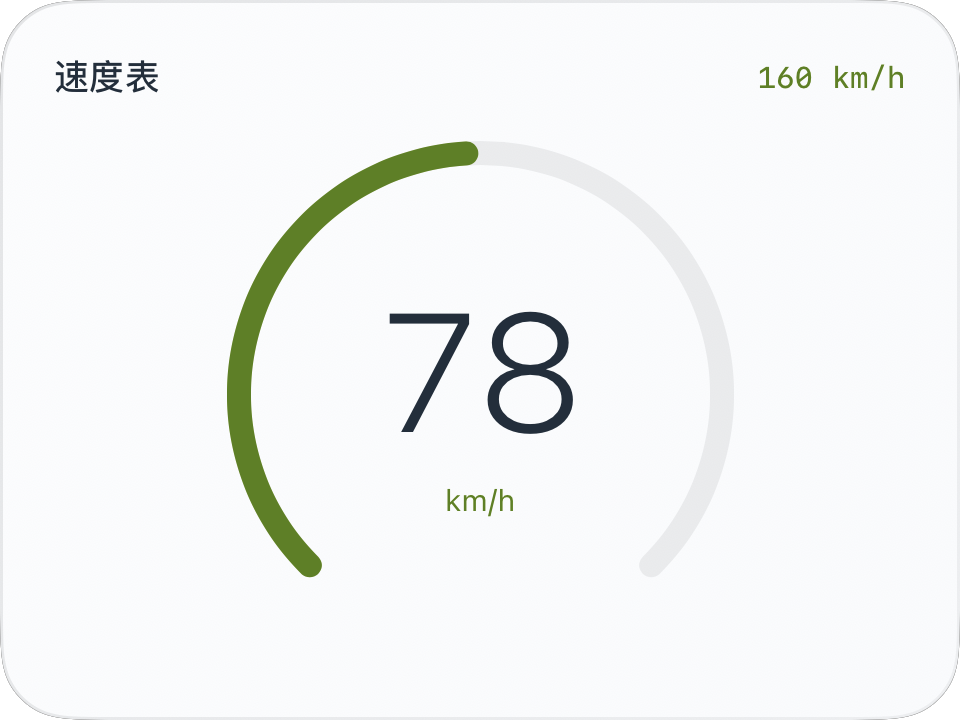
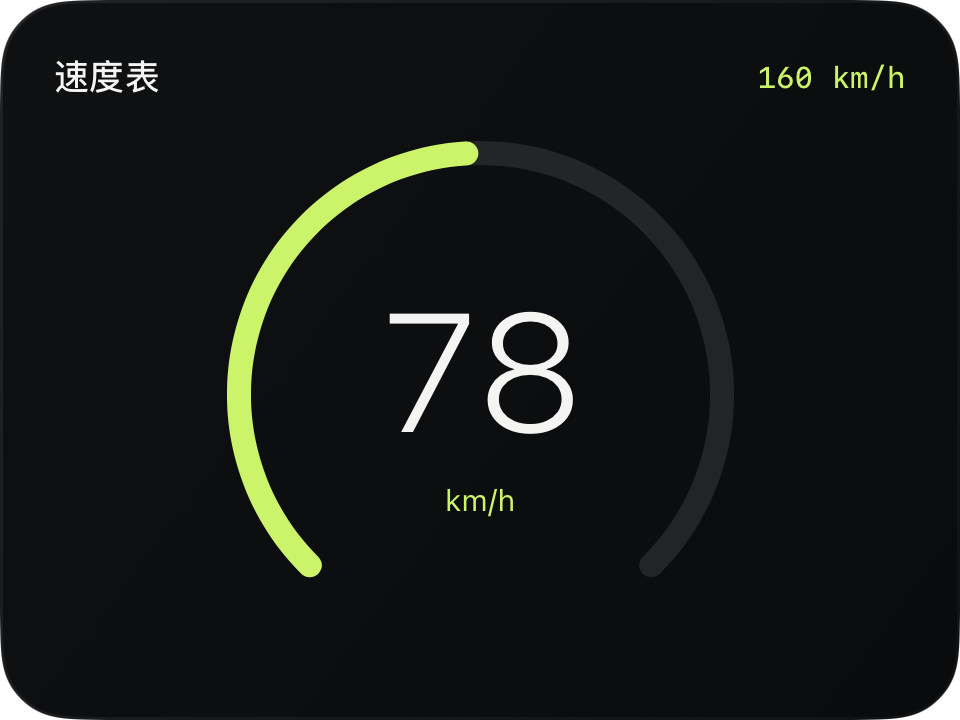
完整源码
复制代码到新建仪表,或在 App 内导入 ZIP。
jsx
function main() {
  const r = $data.current;
  const maxSpeed = r.speedUnit === 'mph' ? 100 : 160;
  const progress = r.speed === null ? 0 : Math.max(0, Math.min(1, r.speed / maxSpeed));
  return <CardContent title="速度表" trailing={maxSpeed + ' ' + r.speedUnit} renderer={m => {
    const w = Math.max(0, $env.width - m.supportedGapLeft - m.supportedGapRight);
    const h = Math.max(0, $env.height - m.headerHeight - m.supportedGapTop - m.supportedGapBottom);
    const d = Math.max(0, Math.min(w, h) - 12);
    return <ZStack width={w} height={h}>
      <Arc width={d} height={d} startAngle={135} sweepAngle={270}
        progress={1} fill="clear" stroke={$env.dark ? '#FFFFFF18' : '#12171C12'} lineWidth={8}/>
      <Arc width={d} height={d} startAngle={135} sweepAngle={270}
        progress={progress} fill="clear" stroke={$env.accent} lineWidth={8}
        animations={[{property: 'progress', duration: 0.2, curve: 'easeOut'}]}/>
      <VStack spacing={3}>
        <Text fontSize={Math.min(56, d * 0.38)} fontWeight="light" color={$env.foreground}
          contentAnimation={{type: 'numericText'}}>{r.speed === null ? '—' : Math.round(r.speed)}</Text>
        <Text fontSize={10} color={$env.accent}>{r.speedUnit}</Text>
      </VStack>
    </ZStack>;
  }}/>;
}可以先改这些地方
| 位置 | 作用 | 修改建议 |
|---|---|---|
startAngle / sweepAngle | 开口与方向 | 两条弧线保持一致 |
lineWidth={8} | 环宽 | 为描边留出边缘空间 |
d * 0.38 | 数字比例 | 避免碰到环形边缘 |
在 App 中检查
- 小中大预览中环形保持在正文区域。
- 速度缺失时中央为 —,没有伪造进度。