
外观
速度历史曲线
进阶 · 完整可运行示例
按采样的真实时间绘制最近 30 秒速度,缺测与长间断会断开曲线。
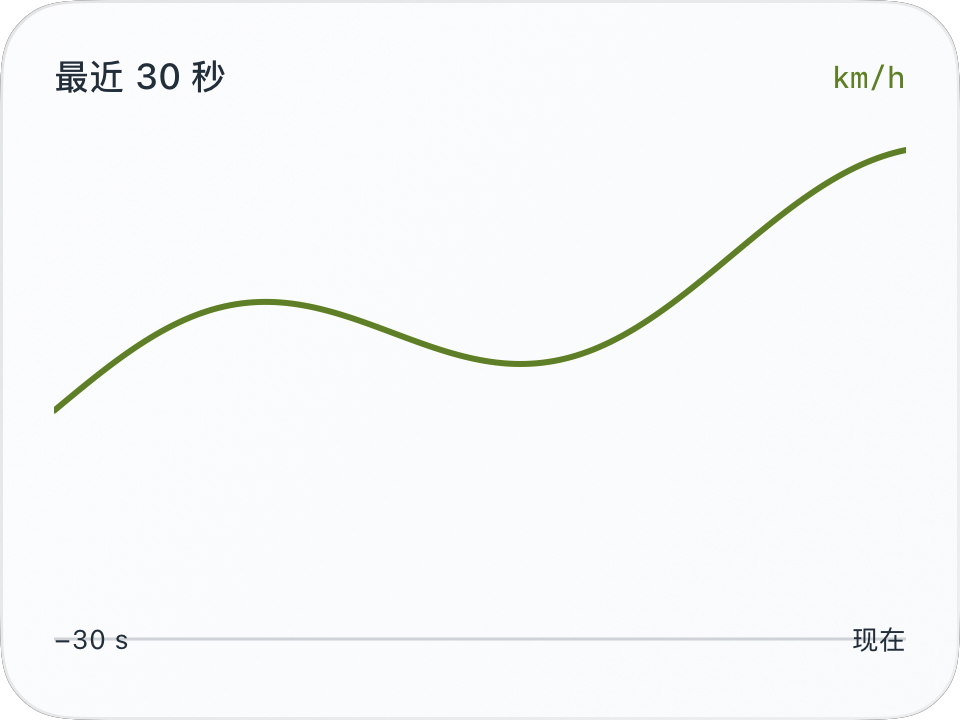
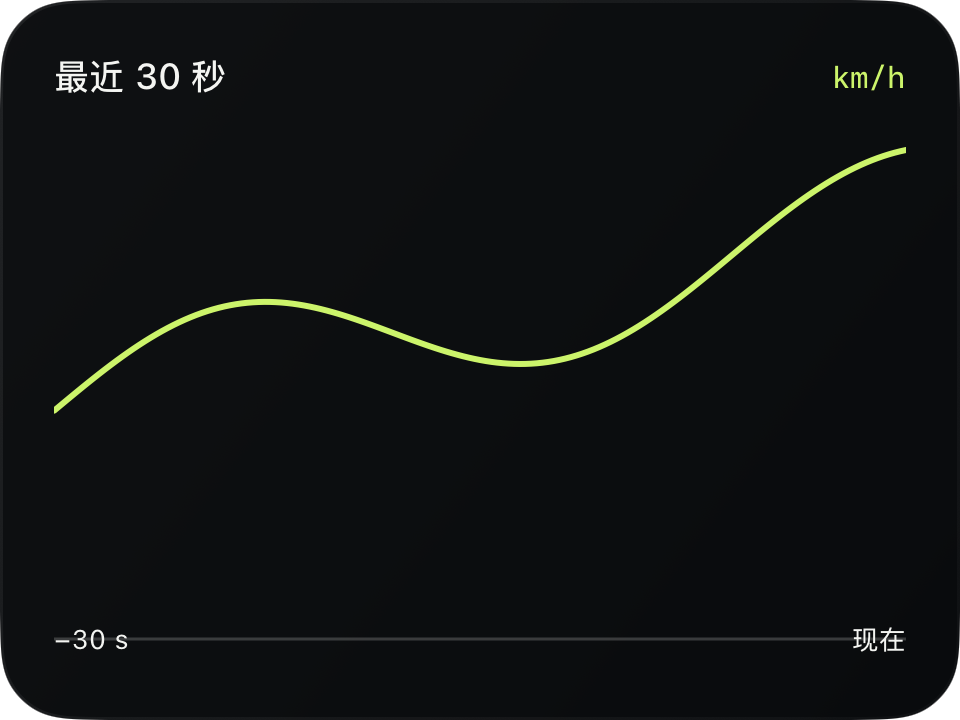
完整源码
复制代码到新建仪表,或在 App 内导入 ZIP。
jsx
function main() {
  const r = $data.current;
  const source = $data.history;
  const series = [];
  let run = [], previousTime = null;
  for (const p of source) {
    const age = p.elapsed !== null && r.elapsed !== null
      ? p.elapsed - r.elapsed : (p.timestamp - r.timestamp) / 1000;
    if (p.speed === null || age < -30 || age > 0 ||
        (previousTime !== null && p.timestamp - previousTime > 1000)) {
      if (run.length) series.push(run);
      run = [];
    }
    if (p.speed !== null && age >= -30 && age <= 0) run.push({age, speed:p.speed});
    previousTime = p.timestamp;
  }
  if (run.length) series.push(run);
  const topSpeed = Math.max(60, ...source.map(p => p.speed ?? 0));
  return <CardContent title="最近 30 秒" trailing={r.speedUnit} renderer={m => {
    const w = Math.max(1,$env.width-m.supportedGapLeft-m.supportedGapRight);
    const h = Math.max(1,$env.height-m.headerHeight-m.supportedGapTop-m.supportedGapBottom-18);
    return <Group width={w} height={h+18}>
      <Line width={w} height={h} x1={0} y1={h} x2={w} y2={h}
        stroke={$env.foreground} opacity={0.2} lineWidth={1}/>
      {series.map((run,i) => <Polyline key={'segment'+i} width={w} height={h}
        points={run.map(p => [(p.age+30)/30*w, h-Math.min(1,p.speed/topSpeed)*h])}
        fill="clear" stroke={$env.accent} lineWidth={2}/>) }
      <Text x={0} y={h+3} width={40} height={12} fontSize={9}
        alignment="leading" color={$env.foreground}>−30 s</Text>
      <Text x={w-36} y={h+3} width={36} height={12} fontSize={9}
        alignment="trailing" color={$env.foreground}>现在</Text>
      {source.length === 0 ? <Text width={w} height={h} fontSize={12}
        color={$env.foreground}>暂无历史采样</Text> : null}
    </Group>;
  }}/>;
}可以先改这些地方
| 位置 | 作用 | 修改建议 |
|---|---|---|
topSpeed | 纵轴显示上限 | 可改为固定量程但应限制比例 |
> 1000 | 长间断阈值,毫秒 | 按你的视觉需求调整 |
lineWidth={2} | 曲线宽度 | 小卡片上不宜过粗 |
在 App 中检查
- 空历史应显示提示而不是报错。
- 中间存在 null 时曲线应断开。
- 这是 30 秒窗口,不是整段行程平均或完整历史。