
外观
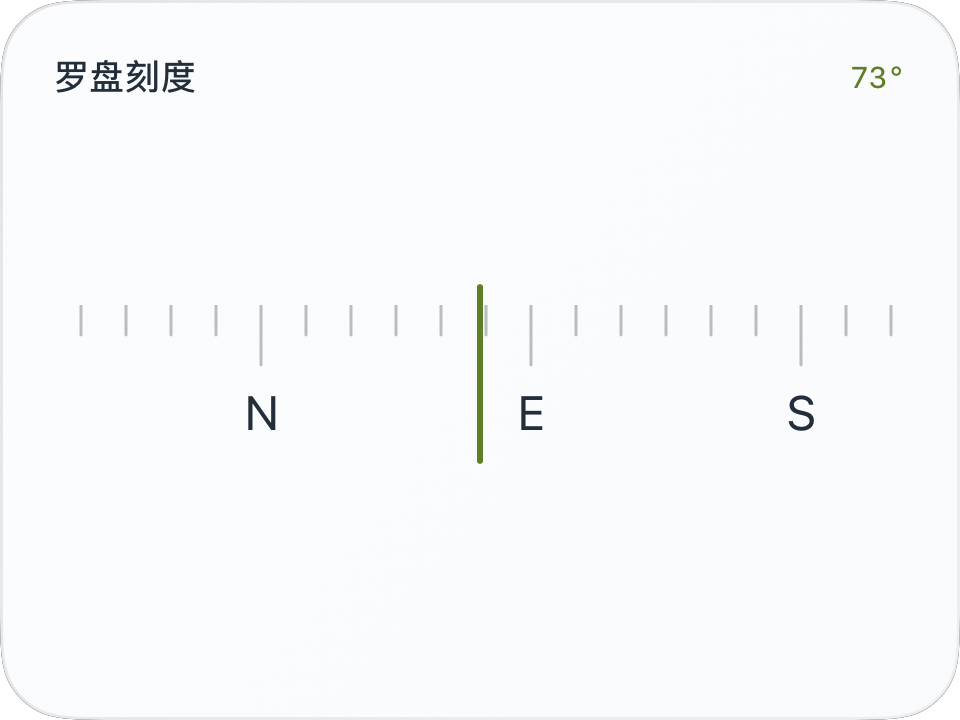
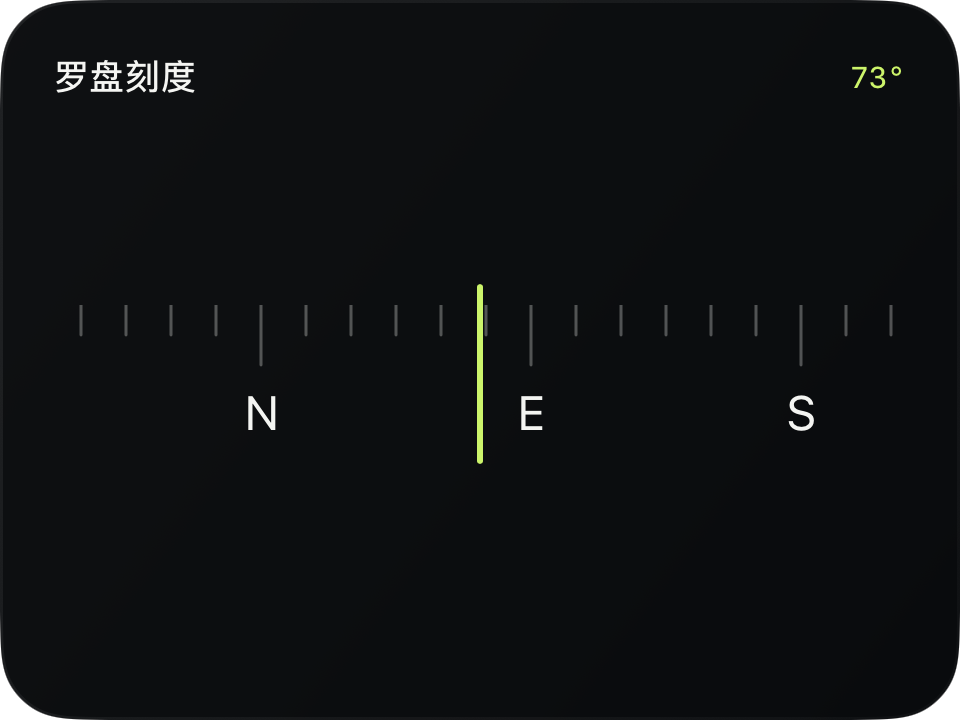
循环罗盘刻度
进阶 · 完整可运行示例
把 360° 当作重复周期,让方位文字经过中央指示位置。
完整源码
复制代码到新建仪表,或在 App 内导入 ZIP。
jsx
const directions = [{value:0,text:'N'}, {value:90,text:'E'}, {value:180,text:'S'}, {value:270,text:'W'}];
function main() {
  const heading = $data.current.heading;
  return <CardContent title="罗盘刻度" trailing={heading === null ? '—' : Math.round(heading)+'°'}>
    <Group width="fill" height={72}>
      <RepeatedLayout width="fill" height={60} axis="horizontal" period={360}
        value={heading ?? 0} anchor={0.5}
        opacity={heading === null ? 0.3 : 1}
        animations={[{property:'value',duration:0.25,wrap:360}]}>
        <Group width={360} height={60}>
          {Array.from({length:24},(_,i) => <Line key={'t'+i} x={i*15} y={0}
            width={1} height={20} x1={0} y1={0} x2={0} y2={i%6===0?20:10}
            stroke={$env.foreground} opacity={0.3} lineWidth={1}/>)}
          {directions.map(d => <Text key={d.text} x={d.value-14} y={26}
            width={28} height={20} fontSize={16} color={$env.foreground}>{d.text}</Text>)}
        </Group>
      </RepeatedLayout>
      <Line x={$env.width/2-18} y={0} width={1} height={58}
        x1={0} y1={0} x2={0} y2={58} stroke={$env.accent} lineWidth={2}/>
    </Group>
  </CardContent>;
}可以先改这些地方
| 位置 | 作用 | 修改建议 |
|---|---|---|
period={360} | 一个周期宽度 | 与 value 和 wrap 一起缩放 |
directions | 方位标签 | 可以增加 NE、SE 等方向 |
在 App 中检查
- 359° 到 0° 应跨过边界平滑移动。
- 中心指示线保持固定,移动的是刻度内容。