
外观
数字速度
入门 · 完整可运行示例
先把最重要的速度读数显示清楚,再让字号、单位和缺测处理成为可以复用的基础。
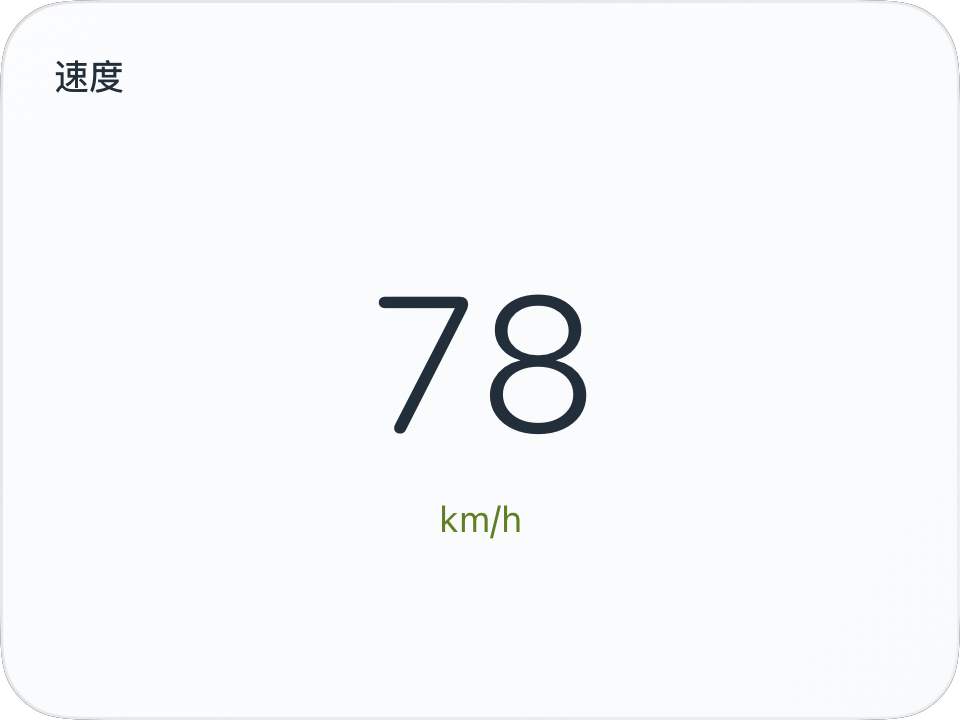
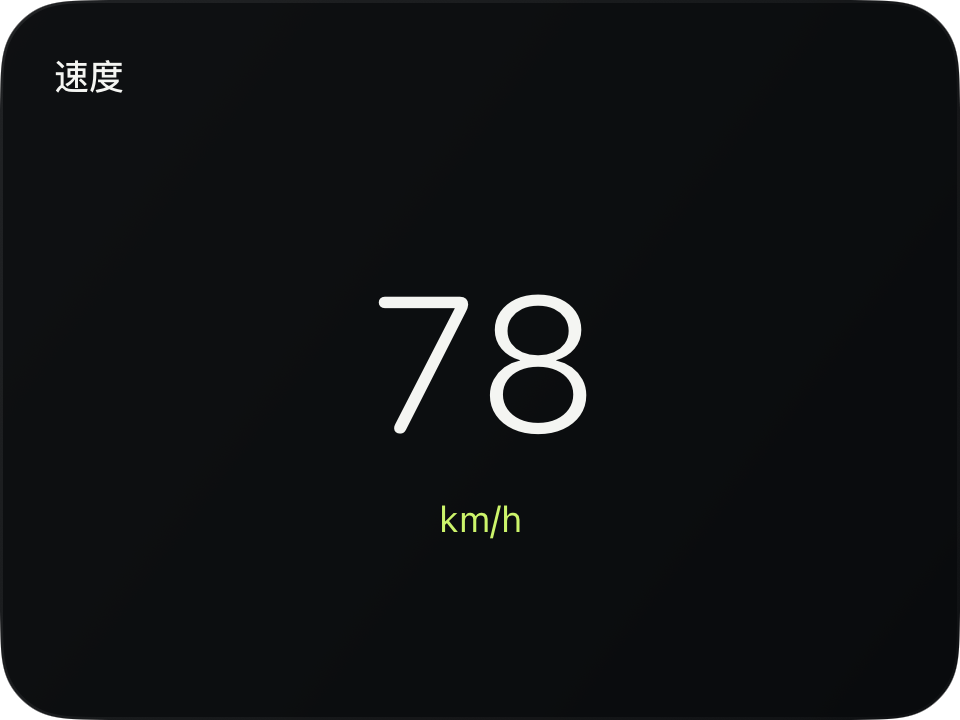
完整源码
复制代码到新建仪表,或在 App 内导入 ZIP。
jsx
function main() {
  const reading = $data.current;
  const speed = reading.speed;
  return <CardContent title="速度">
    <VStack spacing={6}>
      <Text fontSize={64} fontWeight="light" fontDesign="rounded"
        minimumScaleFactor={0.5} color={$env.foreground}
        contentAnimation={{type: 'numericText'}}>
        {speed === null ? '—' : Math.round(speed)}
      </Text>
      <Text fontSize={12} color={$env.accent}>{reading.speedUnit}</Text>
    </VStack>
  </CardContent>;
}可以先改这些地方
| 位置 | 作用 | 修改建议 |
|---|---|---|
fontSize={64} | 数字大小 | 先检查小号尺寸能否容纳 |
spacing={6} | 数字与单位间距 | 值越大,留白越多 |
title="速度" | 卡片标题 | 可改成你自己的名称 |
在 App 中检查
- 速度为 0 时应显示 0;缺测时显示 —。
- 切换 km/h 和 mph,数值与单位应保持一致。