
外观
完整综合仪表
综合 · 完整可运行示例
把速度作为主信息,将 G 值和行程距离放进辅助区域,组合多个基础能力。
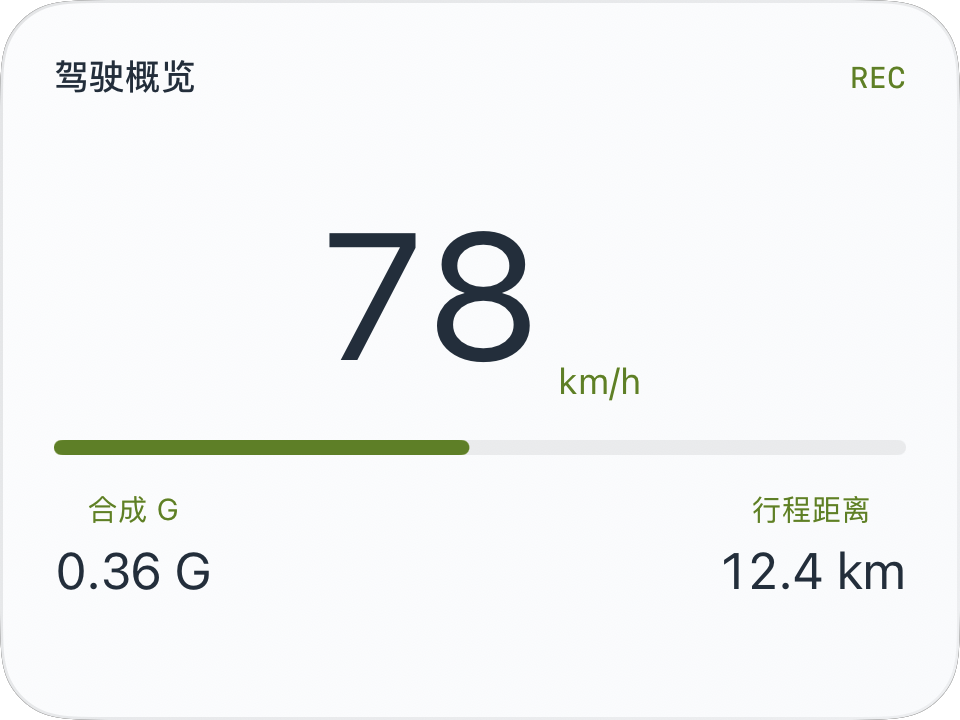
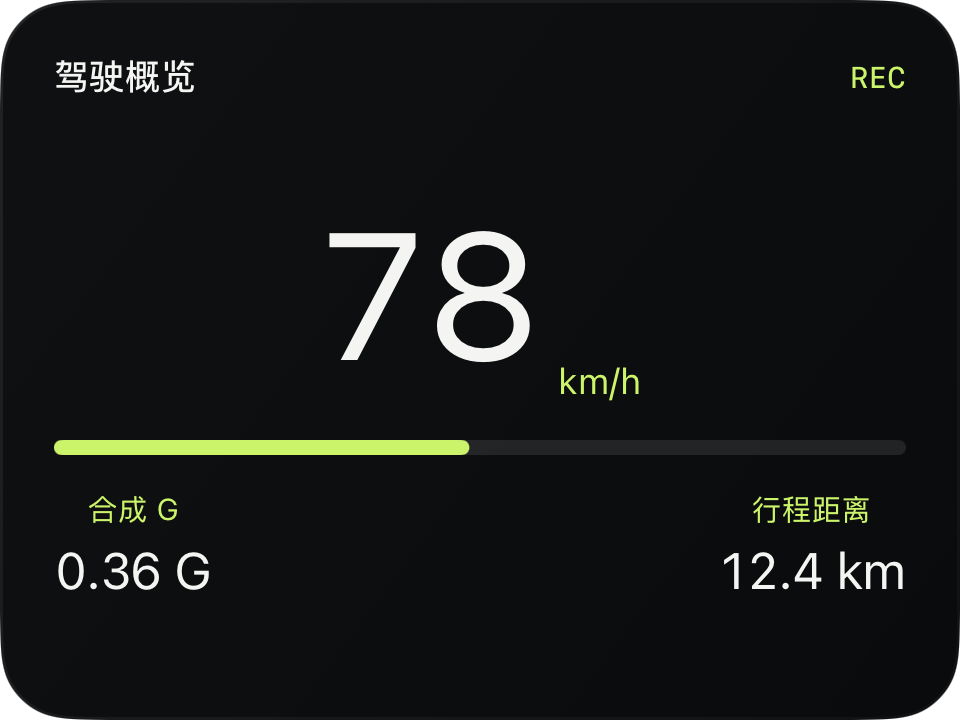
完整源码
复制代码到新建仪表,或在 App 内导入 ZIP。
jsx
function Label({name,value}) {
  return <VStack spacing={4}>
    <Text fontSize={10} color={$env.accent}>{name}</Text>
    <Text fontSize={17} color={$env.foreground}>{value}</Text>
  </VStack>;
}
function main() {
  const r=$data.current;
  return <CardContent title="驾驶概览" trailing={r.recording?'REC':'IDLE'} renderer={m=>{
    const w=Math.max(0,$env.width-m.supportedGapLeft-m.supportedGapRight);
    const h=Math.max(0,$env.height-m.headerHeight-m.supportedGapTop-m.supportedGapBottom);
    const limit=r.speedUnit==='mph'?100:160;
    const ratio=r.speed===null?0:Math.max(0,Math.min(1,r.speed/limit));
    return <VStack width={w} height={h} spacing={12}>
      <HStack spacing={6} alignment="bottom">
        <Text fontSize={Math.min(60,h*0.4)} minimumScaleFactor={0.5} color={$env.foreground}
          contentAnimation={{type:'numericText'}}>{r.speed===null?'—':Math.round(r.speed)}</Text>
        <Text fontSize={12} color={$env.accent}>{r.speedUnit}</Text>
      </HStack>
      <Group width={w} height={5}>
        <Rectangle x={0} y={0} width={w} height={5} cornerRadius={2.5} fill={$env.dark?'#FFFFFF18':'#12171C12'}/>
        <Rectangle x={0} y={0} width={w*ratio} height={5} cornerRadius={2.5} fill={$env.accent}/>
      </Group>
      <HStack width={w} spacing={10}>
        <Label name="合成 G" value={r.gForce===null?'—':r.gForce.toFixed(2)+' G'}/>
        <Spacer/>
        <Label name="行程距离" value={r.distanceMeters===null?'—':(r.distanceMeters/1000).toFixed(1)+' km'}/>
      </HStack>
    </VStack>;
  }}/>;
}可以先改这些地方
| 位置 | 作用 | 修改建议 |
|---|---|---|
limit | 进度条量程 | 不是道路限速 |
h*0.4 | 主数字占比 | 调整后检查所有尺寸 |
Label | 辅助信息组件 | 可替换为移动时长或海拔 |
在 App 中检查
- 主数字不应挤压底部两项辅助信息。
- 速度、G 值、距离缺失时各自显示 —。
- 小中大、横屏与两种外观都应检查。