
外观
地图与渐变材质
进阶 · 完整可运行示例
在地图上方单独叠加一段渐退原生材质,作为底部信息带。
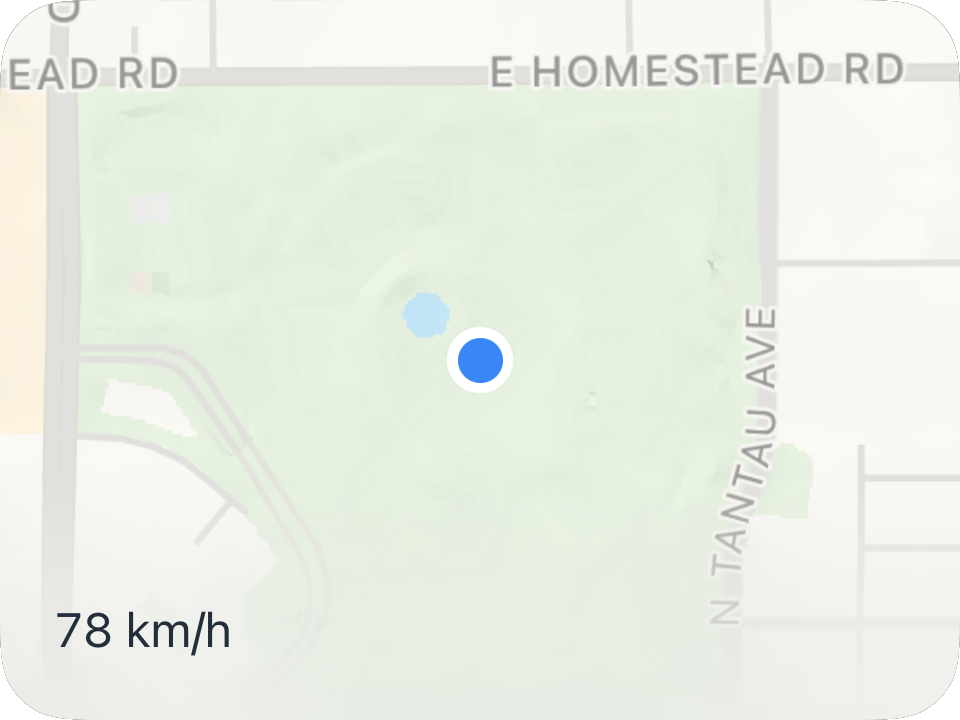
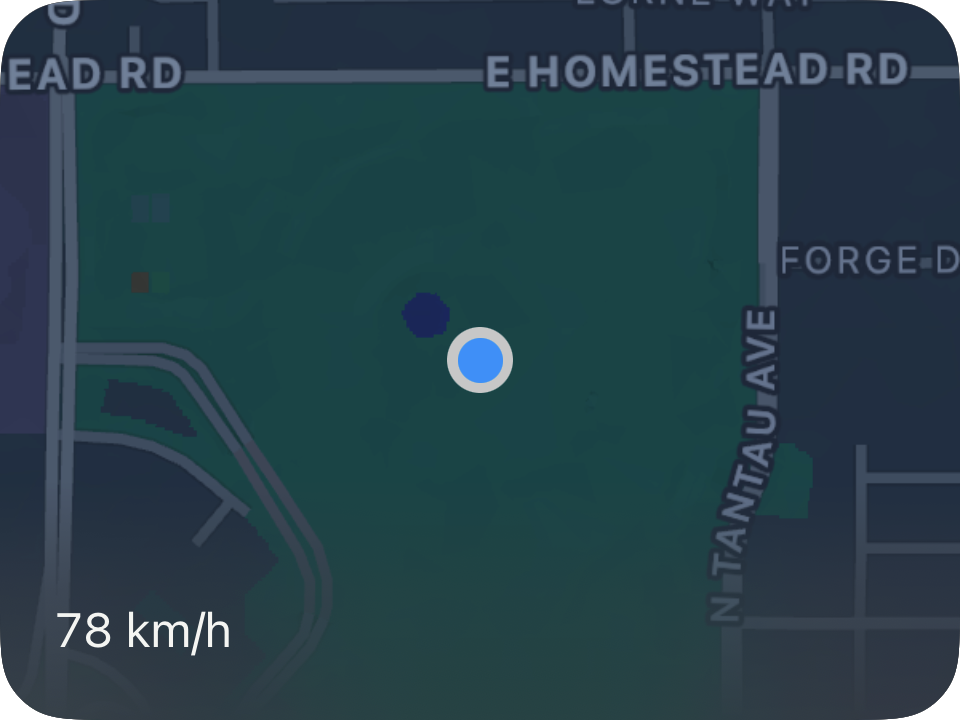
完整源码
复制代码到新建仪表,或在 App 内导入 ZIP。
jsx
function main() {
  const w=$env.width,h=$env.height;
  const band=Math.min(80,h);
  const r=$data.current;
  return <Group width={w} height={h}>
    <Map width="fill" height="fill" followMode={MapFollowMode.latestData}/>
    <Mask x={0} y={h-band} width={w} height={band}>
      <Material style="ultraThin"/>
      <Rectangle width="fill" height="fill" gradient={{angle:90,colors:[
        {color:'clear',location:0},{color:'#00000099',location:0.45},{color:'black',location:1}
      ]}}/>
    </Mask>
    <Text x={18} y={h-42} width={w-36} height={24} fontSize={16}
      alignment="leading" color={$env.foreground}>
      {r.speed===null?'暂无速度':Math.round(r.speed)+' '+r.speedUnit}
    </Text>
  </Group>;
}可以先改这些地方
| 位置 | 作用 | 修改建议 |
|---|---|---|
band | 材质带高度 | 默认不超过 80 点 |
style="ultraThin" | 材质厚度 | 可改 thin 或 regular |
gradient angle | 渐退方向 | 90° 从上到下 |
在 App 中检查
- 不要把 Map 变成 Mask 的内容子节点。
- 文字应保持锐利,不随材质一起模糊。