
外观
渐变速度进度条
入门 · 完整可运行示例
把当前速度换算为 0…1 的比例,用一条渐变进度条辅助读数。范围上限由你定义。
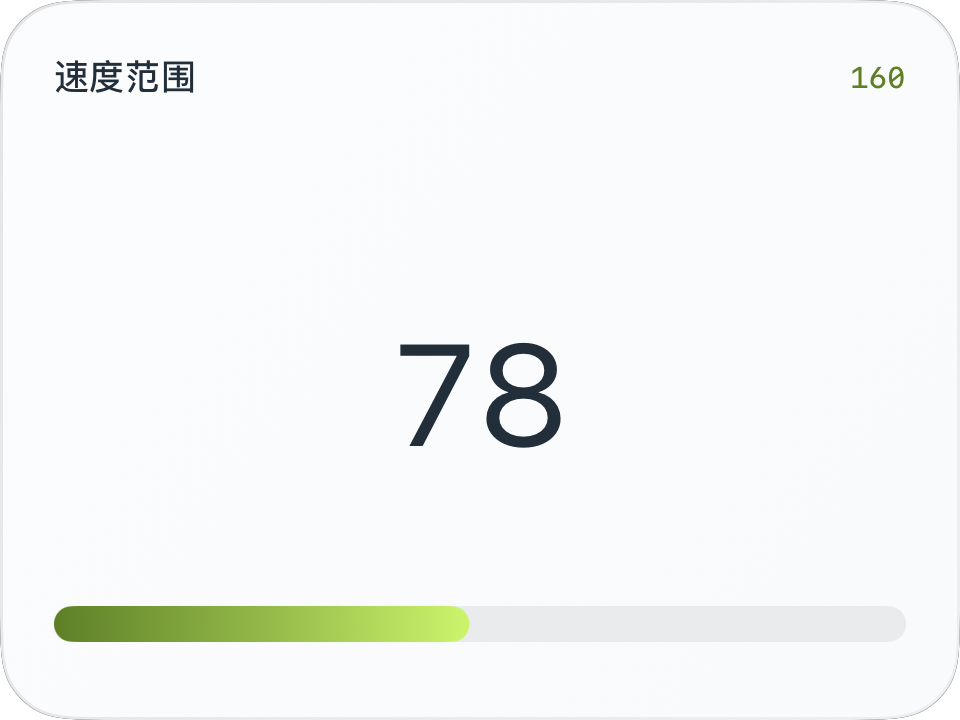
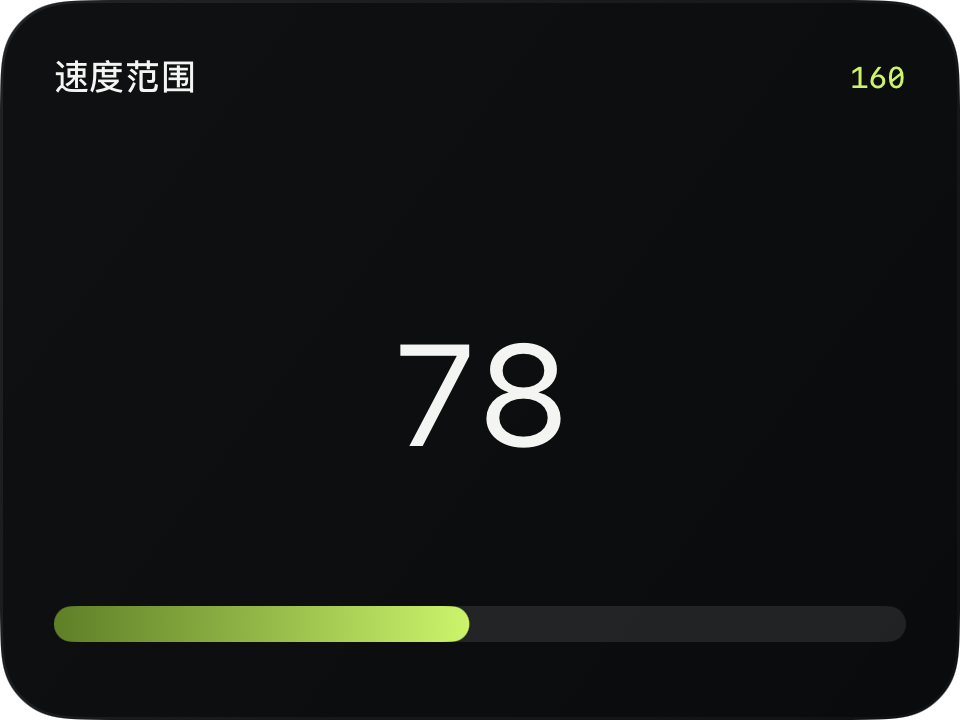
完整源码
复制代码到新建仪表,或在 App 内导入 ZIP。
jsx
function main() {
  const speed = $data.current.speed;
  const maxSpeed = $data.current.speedUnit === 'mph' ? 100 : 160;
  const ratio = speed === null ? 0 : Math.max(0, Math.min(1, speed / maxSpeed));
  return <CardContent title="速度范围" trailing={String(maxSpeed)} renderer={m => {
    const w = Math.max(0, $env.width - m.supportedGapLeft - m.supportedGapRight);
    const h = Math.max(0, $env.height - m.headerHeight - m.supportedGapTop - m.supportedGapBottom);
    return <Group width={w} height={h}>
      <Text width={w} height={64} fontSize={48} color={$env.foreground}
        minimumScaleFactor={0.5}>{speed === null ? '—' : Math.round(speed)}</Text>
      <Rectangle x={0} y={Math.max(68, h - 20)} width={w} height={12}
        cornerRadius={6} fill={$env.dark ? '#FFFFFF18' : '#12171C12'}/>
      <Rectangle x={0} y={Math.max(68, h - 20)} width={w * ratio} height={12}
        cornerRadius={6} gradient={{angle: 0, colors: ['#54800A', '#C2F54F']}}
        animations={[{property: 'width', duration: 0.2}]}/>
    </Group>;
  }}/>;
}可以先改这些地方
| 位置 | 作用 | 修改建议 |
|---|---|---|
maxSpeed | 显示上限 | 不是道路限速 |
height={12} | 进度条高度 | 需要同步修改圆角 |
colors | 渐变颜色 | 可替换为自己的配色 |
在 App 中检查
- 超过显示上限时进度最多填满一次。
- 小尺寸预览中确认进度条仍在可用区域。
这个示例的边界
这里的上限只是仪表量程,不表示 App 识别了当前道路限速。