
外观
方位与指针
入门 · 完整可运行示例
通过方位角旋转系统箭头,并用文字显示角度。
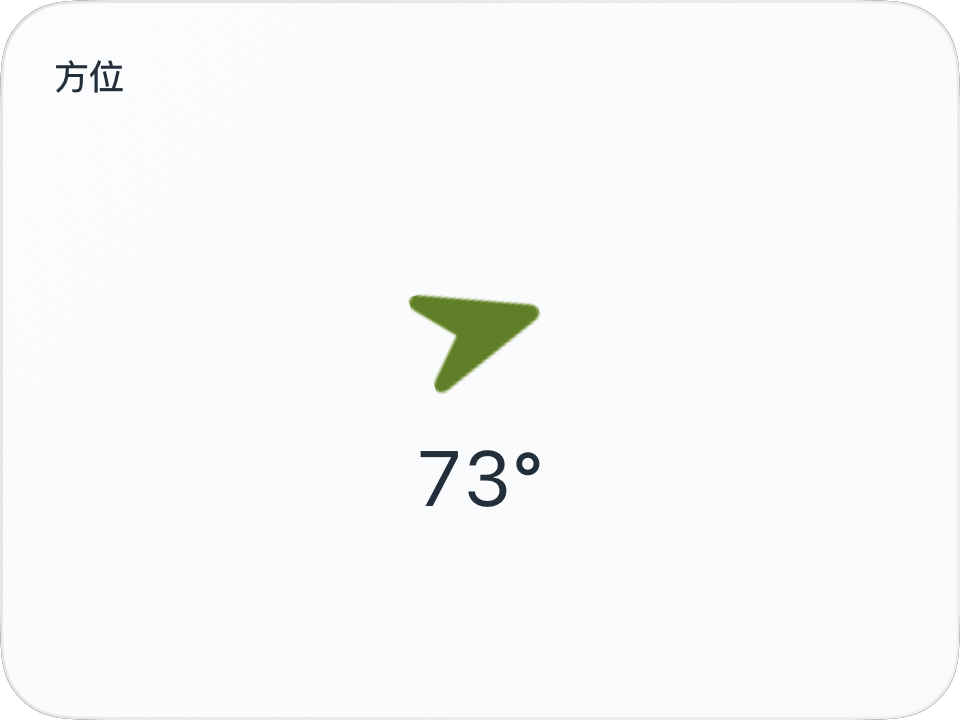
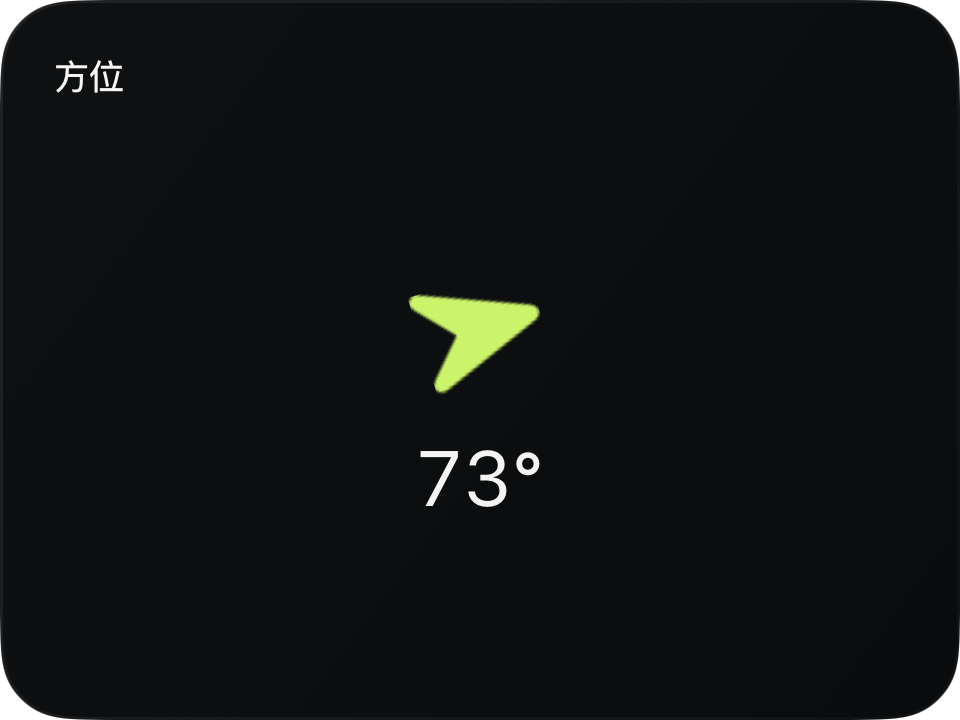
完整源码
复制代码到新建仪表,或在 App 内导入 ZIP。
jsx
function main() {
  const heading = $data.current.heading;
  return <CardContent title="方位">
    <VStack spacing={12}>
      <Transform rotation={heading ?? 0} opacity={heading === null ? 0.25 : 1}
        animations={[{property: 'rotation', duration: 0.25, curve: 'easeOut'}]}>
        <Symbol name="location.north.fill" width={34} height={44} color={$env.accent}/>
      </Transform>
      <Text fontSize={26} color={$env.foreground}>
        {heading === null ? '—' : Math.round(heading) + '°'}
      </Text>
    </VStack>
  </CardContent>;
}可以先改这些地方
| 位置 | 作用 | 修改建议 |
|---|---|---|
location.north.fill | 系统图标 | 使用设备系统支持的名称 |
duration: 0.25 | 指针平滑程度 | 不要大到掩盖方向变化 |
在 App 中检查
- 0° 向北、90° 向东。
- 缺失方位时文字为 —,箭头降低不透明度。