
外观
自定义速度阈值
入门 · 完整可运行示例
用你设置的固定阈值改变文字与颜色,让显示规则清楚可见。
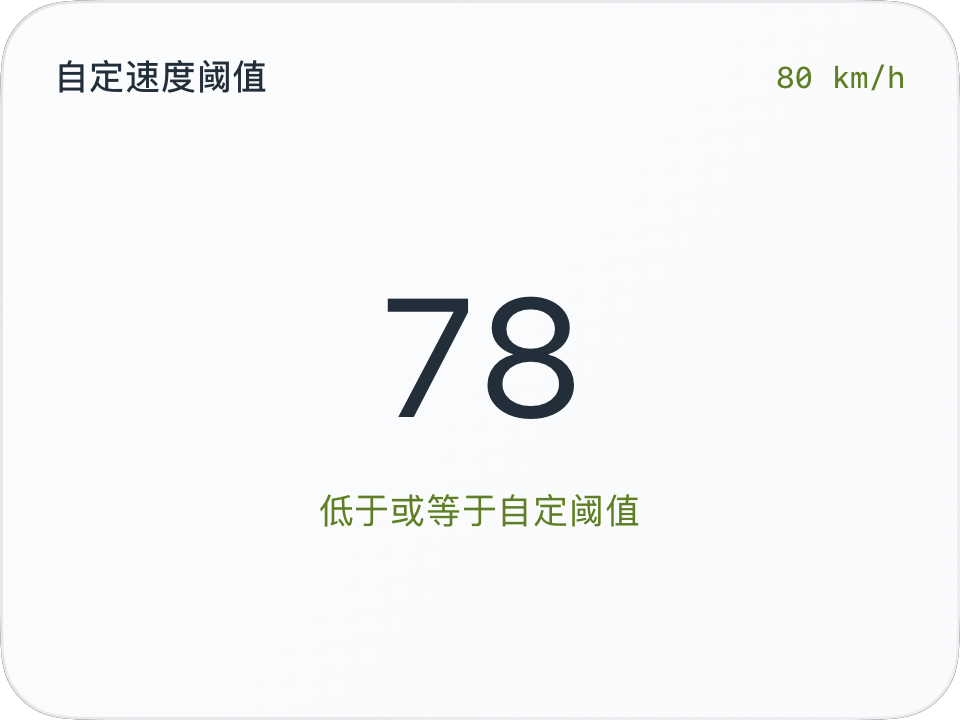
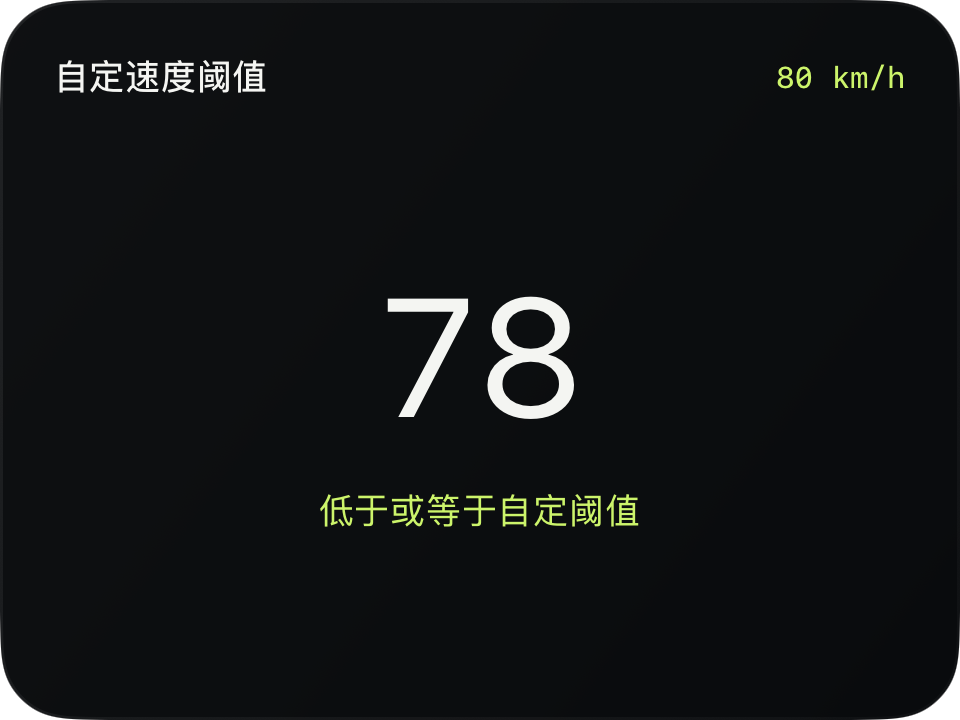
完整源码
复制代码到新建仪表,或在 App 内导入 ZIP。
jsx
function main() {
  const thresholdMPS=80/3.6;
  const r=$data.current;
  const available=r.speedMPS!==null;
  const over=available&&r.speedMPS>thresholdMPS;
  const threshold=thresholdMPS*(r.speedUnit==='mph'?2.2369362921:3.6);
  return <CardContent title="自定速度阈值" trailing={Math.round(threshold)+' '+r.speedUnit}>
    <VStack spacing={10}>
      <Text fontSize={56} color={over?'#D94C36':$env.foreground}
        animations={[{property:'color',duration:0.2}]}>
        {r.speed===null?'—':Math.round(r.speed)}
      </Text>
      <Text fontSize={12} color={over?'#D94C36':$env.accent}>
        {!available?'暂无速度':over?'高于自定阈值':'低于或等于自定阈值'}
      </Text>
    </VStack>
  </CardContent>;
}可以先改这些地方
| 位置 | 作用 | 修改建议 |
|---|---|---|
80 / 3.6 | 阈值,等价于 80 km/h | 不是道路限速 |
D94C36 | 超出时的颜色 | 可换为其他可辨识的颜色 |
在 App 中检查
- 等于阈值时保持正常状态。
- 缺测显示暂无速度,不当成低速。
- 换成 mph 后比较仍对应同一个物理速度。
这个示例的边界
该示例不读取当前道路限速,不产生系统通知,也不改变 CapDrive 的驾驶事件识别。