
外观
双向 G 值条
进阶 · 完整可运行示例
分别显示纵向和横向读数,让左右两侧表达正负方向。
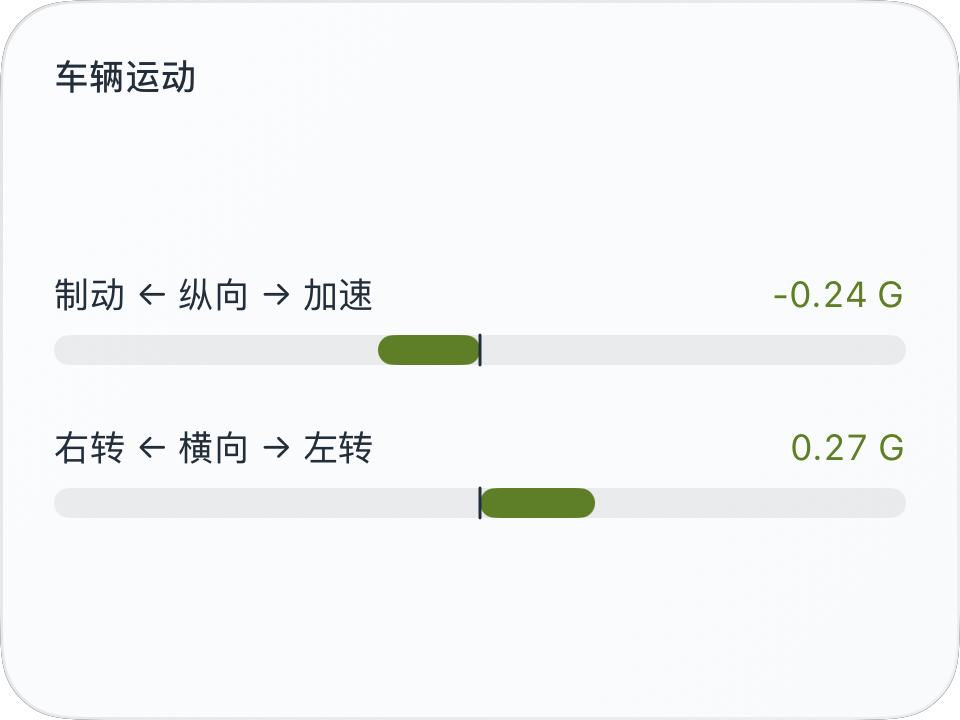
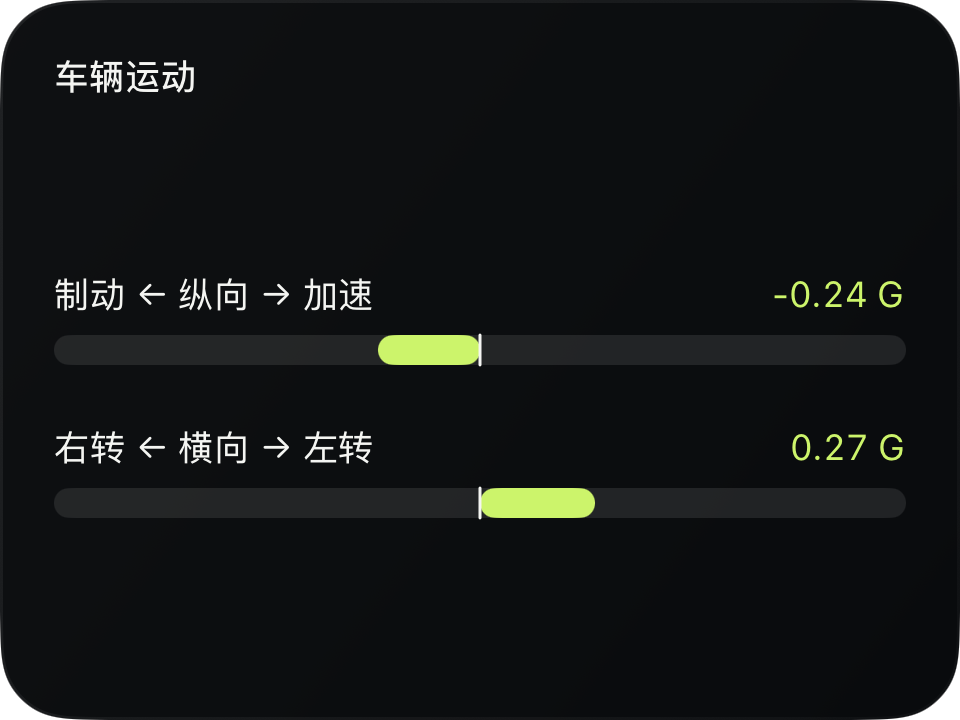
完整源码
复制代码到新建仪表,或在 App 内导入 ZIP。
jsx
function GBar({label, value, width}) {
  const range = 1;
  const fraction = value === null ? 0 : Math.max(-1, Math.min(1, value / range));
  const half = width / 2;
  return <VStack spacing={6}>
    <HStack width={width} spacing={0}>
      <Text fontSize={12} color={$env.foreground}>{label}</Text>
      <Spacer/>
      <Text fontSize={12} color={$env.accent}>{value === null ? '—' : value.toFixed(2) + ' G'}</Text>
    </HStack>
    <Group width={width} height={10}>
      <Rectangle width={width} height={10} cornerRadius={5} fill={$env.dark ? '#FFFFFF18' : '#12171C12'}/>
      <Rectangle x={fraction < 0 ? half + half * fraction : half} y={0}
        width={Math.abs(fraction) * half} height={10} cornerRadius={5} fill={$env.accent}/>
      <Line width={width} height={10} x1={half} y1={0} x2={half} y2={10}
        stroke={$env.foreground} lineWidth={1}/>
    </Group>
  </VStack>;
}
function main() {
  const w = Math.max(0, $env.width - 36);
  return <CardContent title="车辆运动">
    <VStack spacing={20}>
      <GBar label="制动 ← 纵向 → 加速" value={$data.current.longitudinalG} width={w}/>
      <GBar label="右转 ← 横向 → 左转" value={$data.current.lateralG} width={w}/>
    </VStack>
  </CardContent>;
}可以先改这些地方
| 位置 | 作用 | 修改建议 |
|---|---|---|
range = 1 | 每侧量程 | 按自己的使用场景设置 |
spacing={20} | 两条信息的间隔 | 小号卡片可适当减小 |
在 App 中检查
- 0 时没有进度长度,负值延伸到左侧。
- 纵向与横向标签不能互换。