
外观
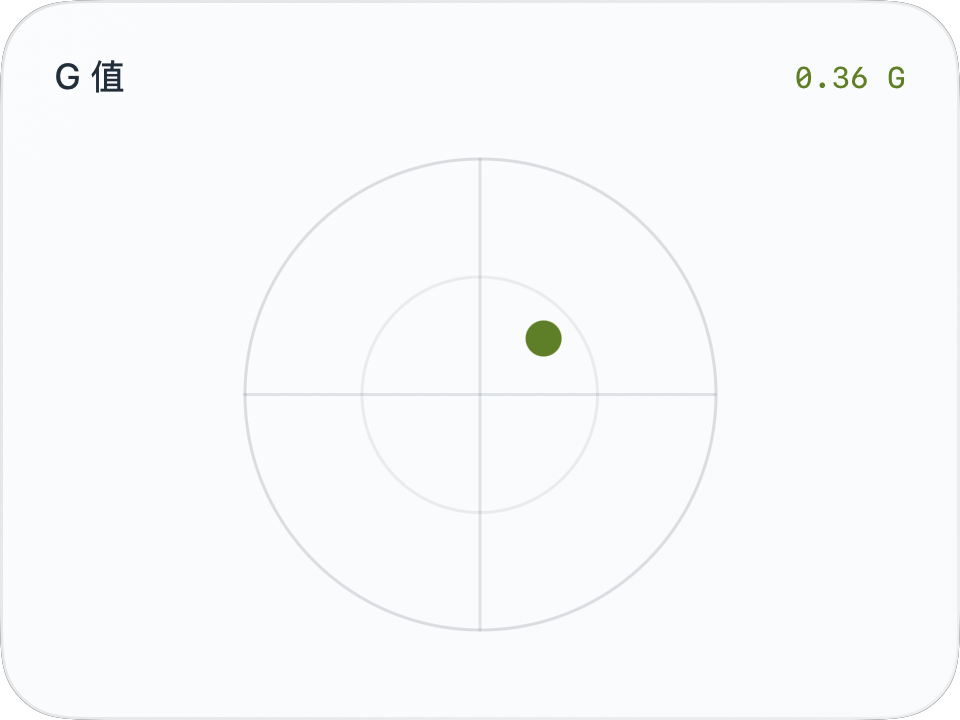
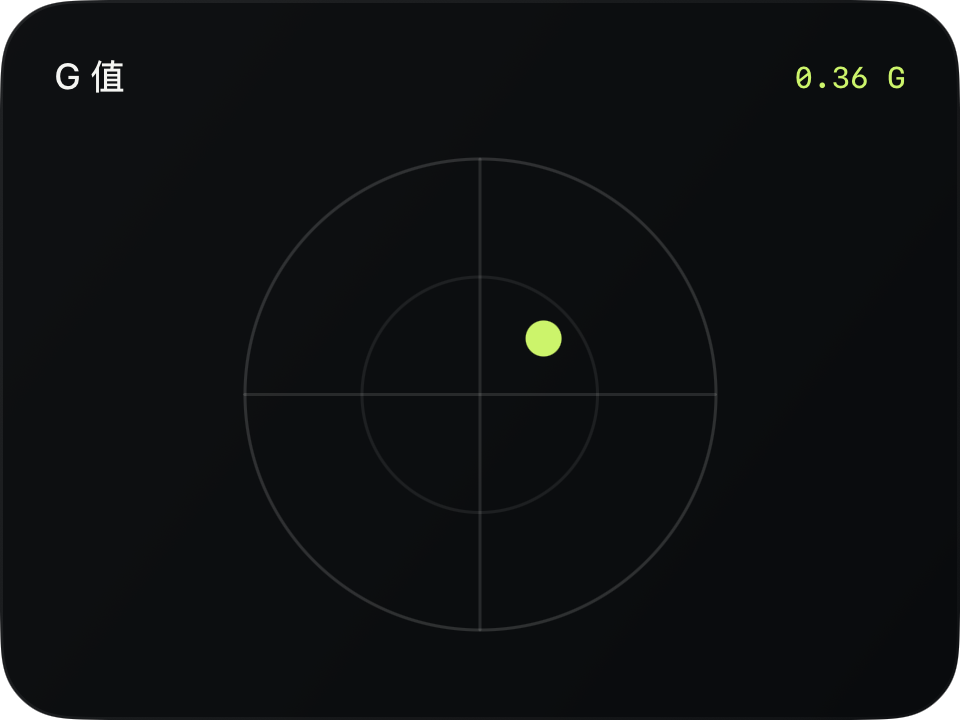
G 值圆盘
进阶 · 完整可运行示例
把纵向与横向读数映射到平面,并让点在圆盘范围内移动。
完整源码
复制代码到新建仪表,或在 App 内导入 ZIP。
jsx
function main() {
  const r = $data.current;
  const valid = r.longitudinalG !== null && r.lateralG !== null;
  const gx = r.lateralG ?? 0;
  const gy = r.longitudinalG ?? 0;
  const magnitude = Math.hypot(gx, gy);
  const range = 1;
  const factor = magnitude > range ? range / magnitude : 1;
  return <CardContent title="G 值" trailing={valid ? magnitude.toFixed(2) + ' G' : '—'} renderer={m => {
    const w = Math.max(0, $env.width - m.supportedGapLeft - m.supportedGapRight);
    const h = Math.max(0, $env.height - m.headerHeight - m.supportedGapTop - m.supportedGapBottom);
    const radius = Math.max(0, Math.min(w, h) / 2 - 12);
    const cx = w / 2, cy = h / 2;
    return <Group width={w} height={h}>
      <Circle x={cx-radius} y={cy-radius} width={radius*2} height={radius*2}
        fill="clear" stroke={$env.foreground} opacity={0.15} lineWidth={1}/>
      <Circle x={cx-radius/2} y={cy-radius/2} width={radius} height={radius}
        fill="clear" stroke={$env.foreground} opacity={0.08} lineWidth={1}/>
      <Line width={w} height={h} x1={cx-radius} y1={cy} x2={cx+radius} y2={cy}
        stroke={$env.foreground} opacity={0.12} lineWidth={1}/>
      <Line width={w} height={h} x1={cx} y1={cy-radius} x2={cx} y2={cy+radius}
        stroke={$env.foreground} opacity={0.12} lineWidth={1}/>
      {valid ? <Transform x={cx-6} y={cy-6} width={12} height={12}
        translateX={gx * factor / range * radius} translateY={gy * factor / range * radius}
        animations={[{property:'translateX',duration:0.2},{property:'translateY',duration:0.2}]}>
        <Circle width={12} height={12} fill={$env.accent}/>
      </Transform> : null}
    </Group>;
  }}/>;
}可以先改这些地方
| 位置 | 作用 | 修改建议 |
|---|---|---|
range = 1 | 圆盘显示量程,单位 G | 放大后同一读数偏移会更小 |
radius | 圆盘大小 | 由当前正文尺寸决定 |
duration: 0.2 | 跟随过渡 | 过长会让状态显得滞后 |
在 App 中检查
- 制动向上、加速向下、左转向右、右转向左。
- 任意一个轴缺测时隐藏圆点,右上角显示 —。
这个示例的边界
这是便于学习的线性量程示例,不复刻内置圆盘的非线性响应曲线。