
外观
当前所在位置
入门 · 完整可运行示例
用原生地图铺满卡片,再给标题增加渐退材质,保持文字清晰。
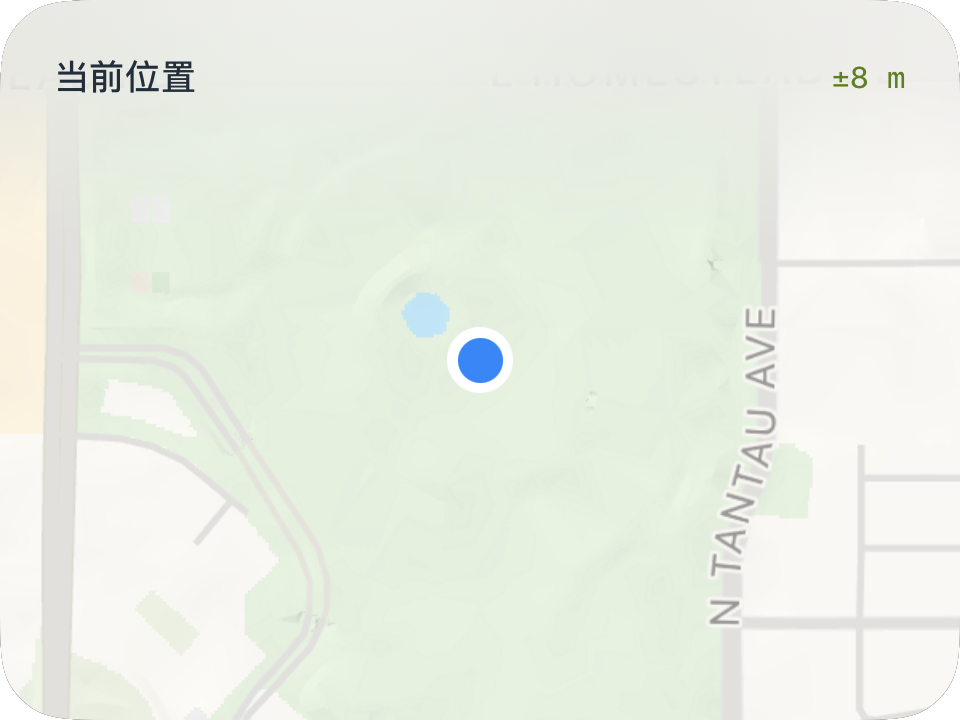
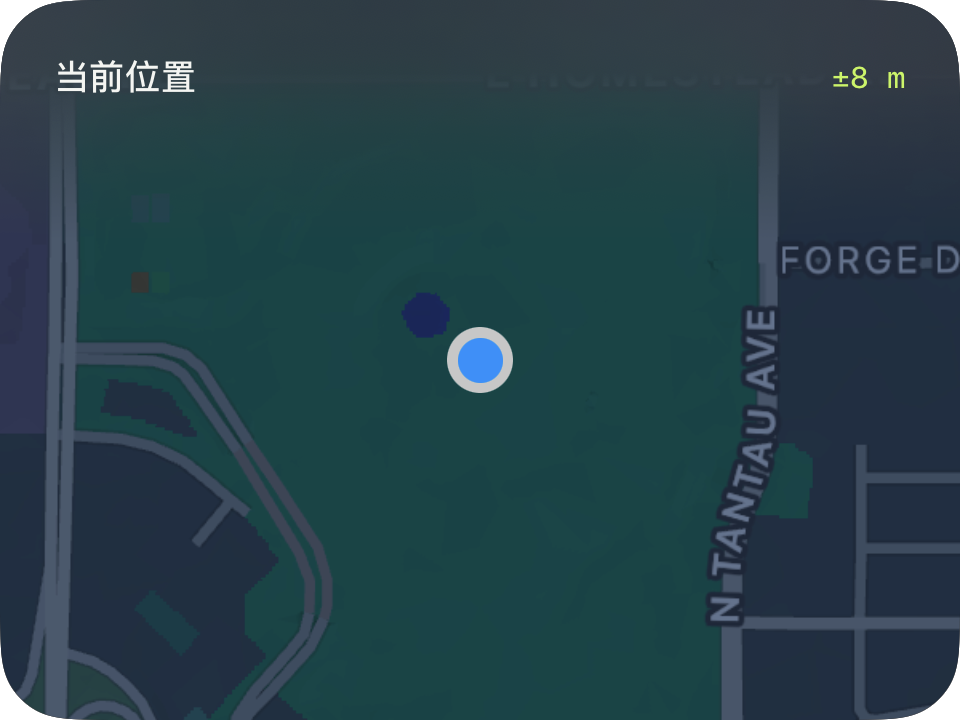
完整源码
复制代码到新建仪表,或在 App 内导入 ZIP。
jsx
function main() {
  const accuracy=$data.current.locationAccuracy;
  return <CardContent title="当前位置" fulled={true} headerBlurColor="clear"
    trailing={accuracy===null?'—':'±'+Math.round(accuracy)+' m'}>
    <Map width="fill" height="fill" showUserLocation={true}
      followMode={MapFollowMode.userLocation}
      mapStyle={MapStyle.standard} headingPolicy={MapHeadingPolicy.northUp}
      appearance={MapAppearance.automatic}/>
  </CardContent>;
}可以先改这些地方
| 位置 | 作用 | 修改建议 |
|---|---|---|
followMode | 位置来源 | latestData 跟随当前输入数据 |
mapStyle | 地图类型 | 可选 satellite 或 hybrid |
showUserLocation | 定位点显示 | 关闭后仍可跟随 |
在 App 中检查
- 隐藏定位点时地图仍可跟随。
- 深浅外观都应能看清标题。