
外观
行程数据面板
入门 · 完整可运行示例
把距离、移动时长和当前速度整合成一张紧凑的数据面板。
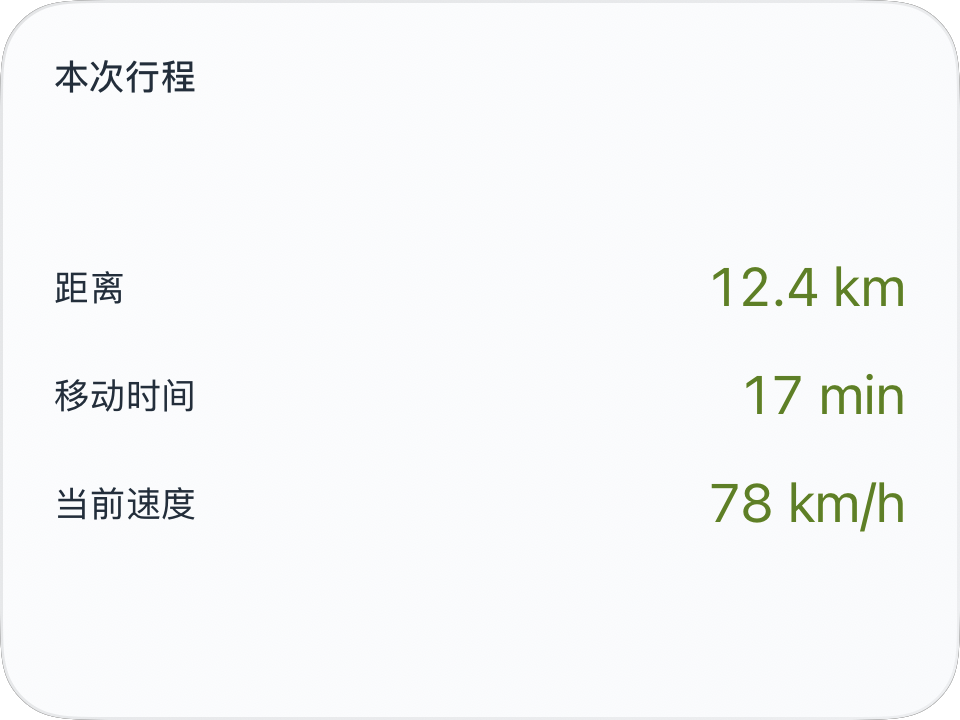
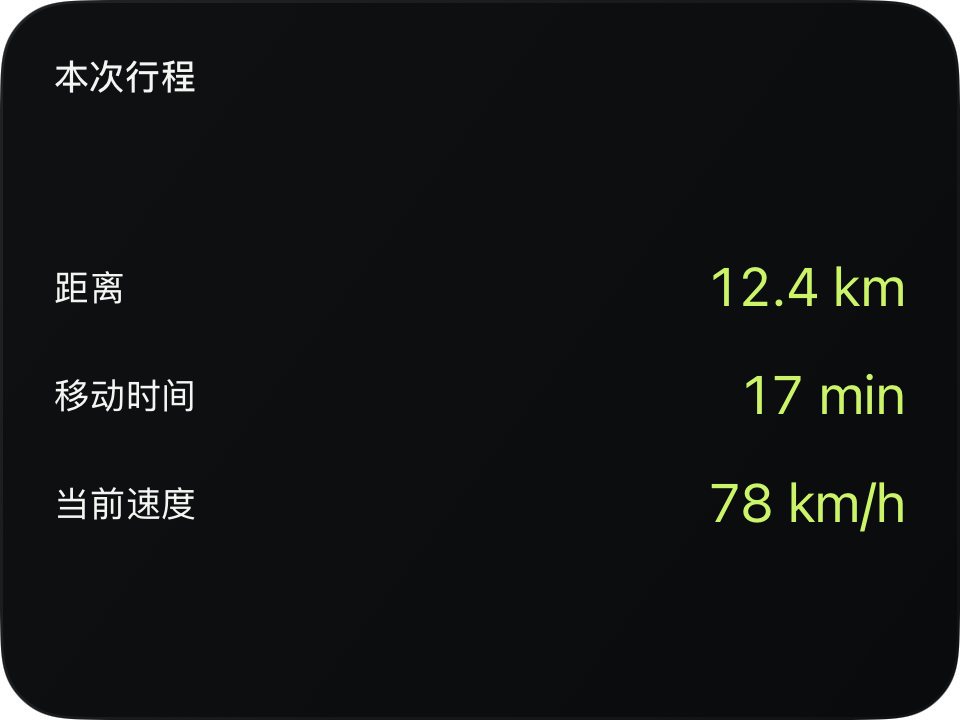
完整源码
复制代码到新建仪表,或在 App 内导入 ZIP。
jsx
function Row({label,value}) {
  return <HStack width="fill" spacing={8}>
    <Text fontSize={12} color={$env.foreground}>{label}</Text><Spacer/>
    <Text fontSize={18} color={$env.accent}>{value}</Text>
  </HStack>;
}
function main() {
  const r=$data.current;
  const minutes=r.movingSeconds===null?null:Math.floor(r.movingSeconds/60);
  return <CardContent title="本次行程">
    <VStack spacing={14}>
      <Row label="距离" value={r.distanceMeters===null?'—':(r.distanceMeters/1000).toFixed(1)+' km'}/>
      <Row label="移动时间" value={minutes===null?'—':minutes+' min'}/>
      <Row label="当前速度" value={r.speed===null?'—':Math.round(r.speed)+' '+r.speedUnit}/>
    </VStack>
  </CardContent>;
}可以先改这些地方
| 位置 | 作用 | 修改建议 |
|---|---|---|
distanceMeters / 1000 | 显示公里 | 这里的距离单位固定为 km |
Math.floor(.../60) | 显示整分钟 | 也可以改成时分秒 |
spacing={14} | 行距 | 在小号预览中检查 |
在 App 中检查
- 无行程距离时显示 —。
- 移动时间不是 App 启动时间。